Edit your menu photos with text
Skip the $150 photographer. Upload your food photo, type what you want changed, get results in 30 seconds.
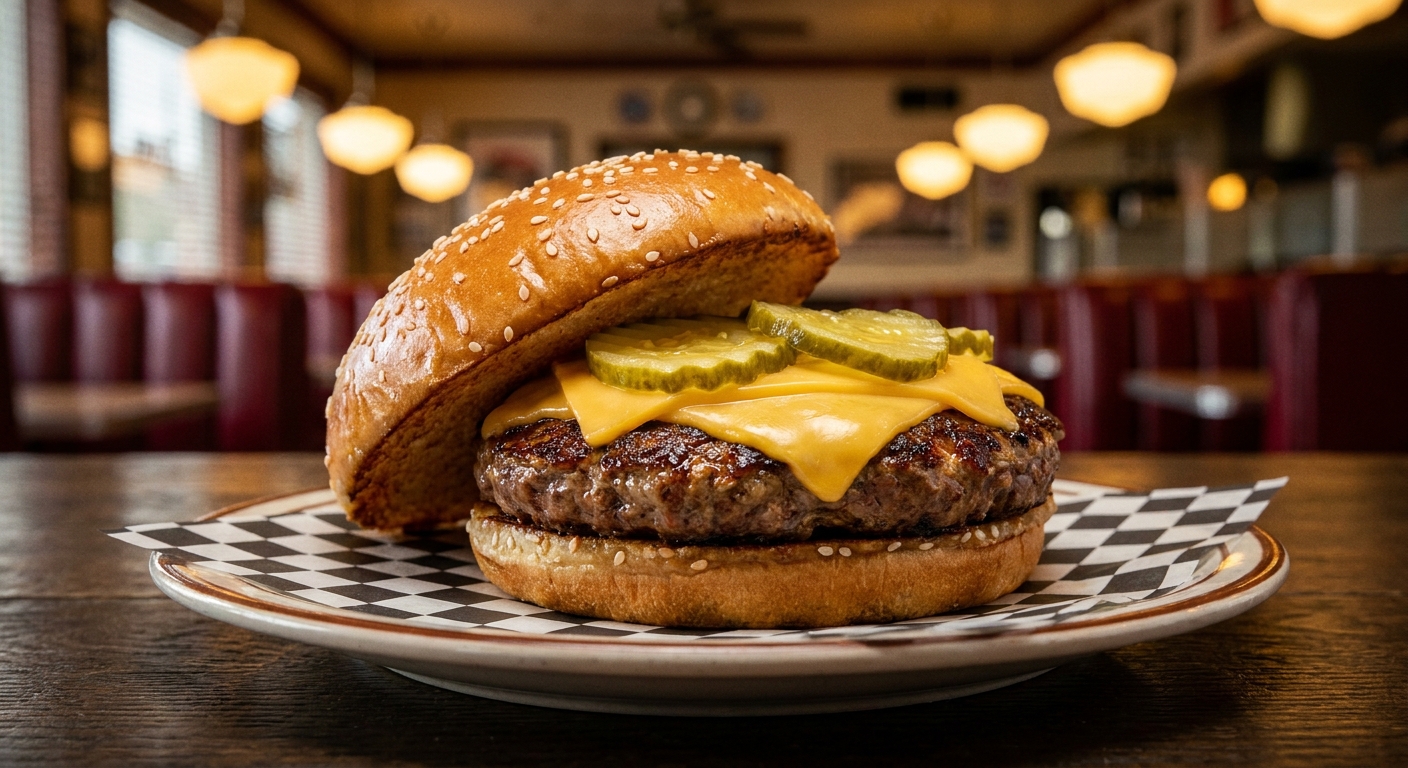
Works with smartphone photos - Edit same photo multiple times - No scheduling or studio needed
THE MATH
What a 10-item menu update costs
$750 to $1,500
a photographer, days of waiting
24 cents
MenuCapture, 30 seconds a photo
$9/week or $159/year
1,500 edits a month, both plans. Annual saves 66%. Cancel anytime.
PROOF
Fine, but is it still my dish?
Yes. MenuCapture edits your real photo. It never generates fake food. Drag to compare, or tap a dish to switch.
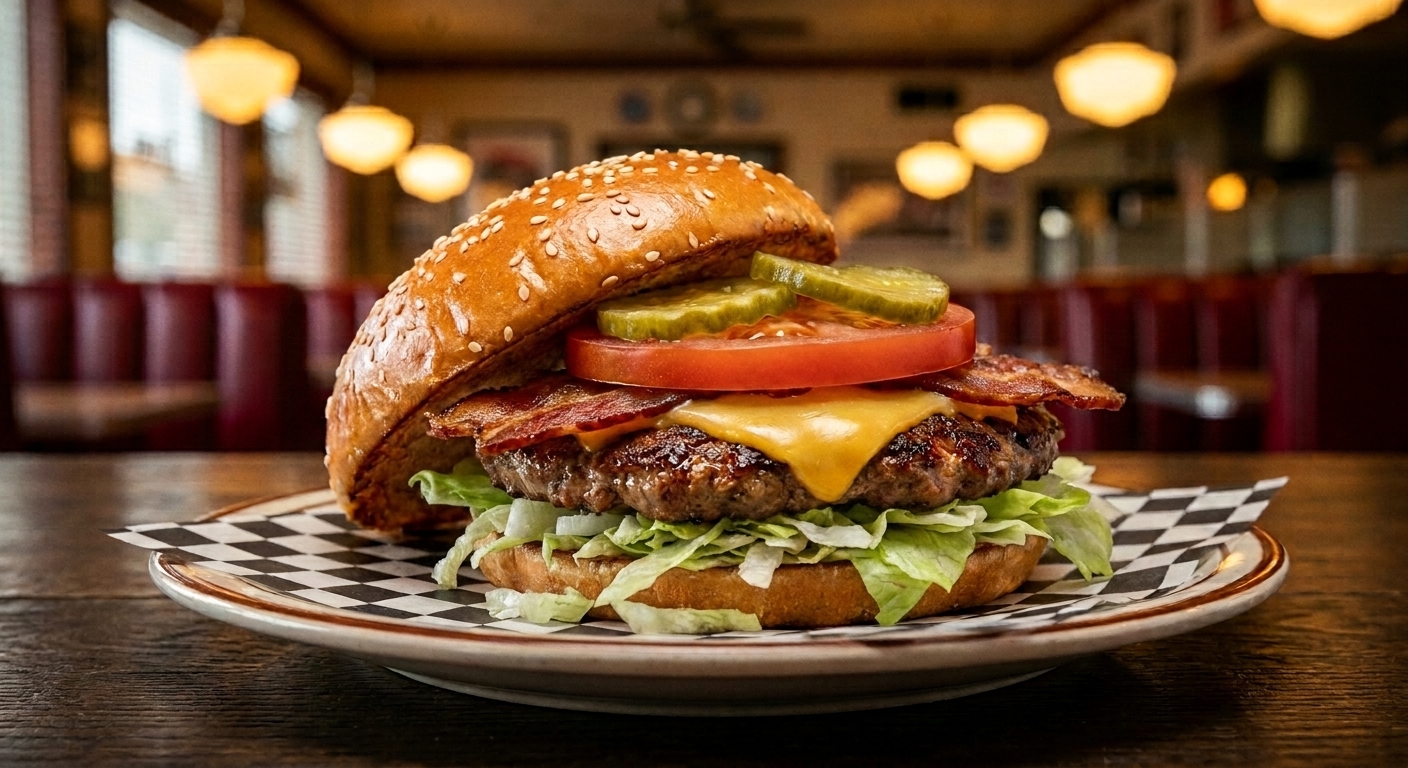
Made with the same tools you get in the dashboard.
See the full setVERSIONS
What if the first try isn't right?
You can't ruin a photo. Every edit is a new version, and your original is never touched.
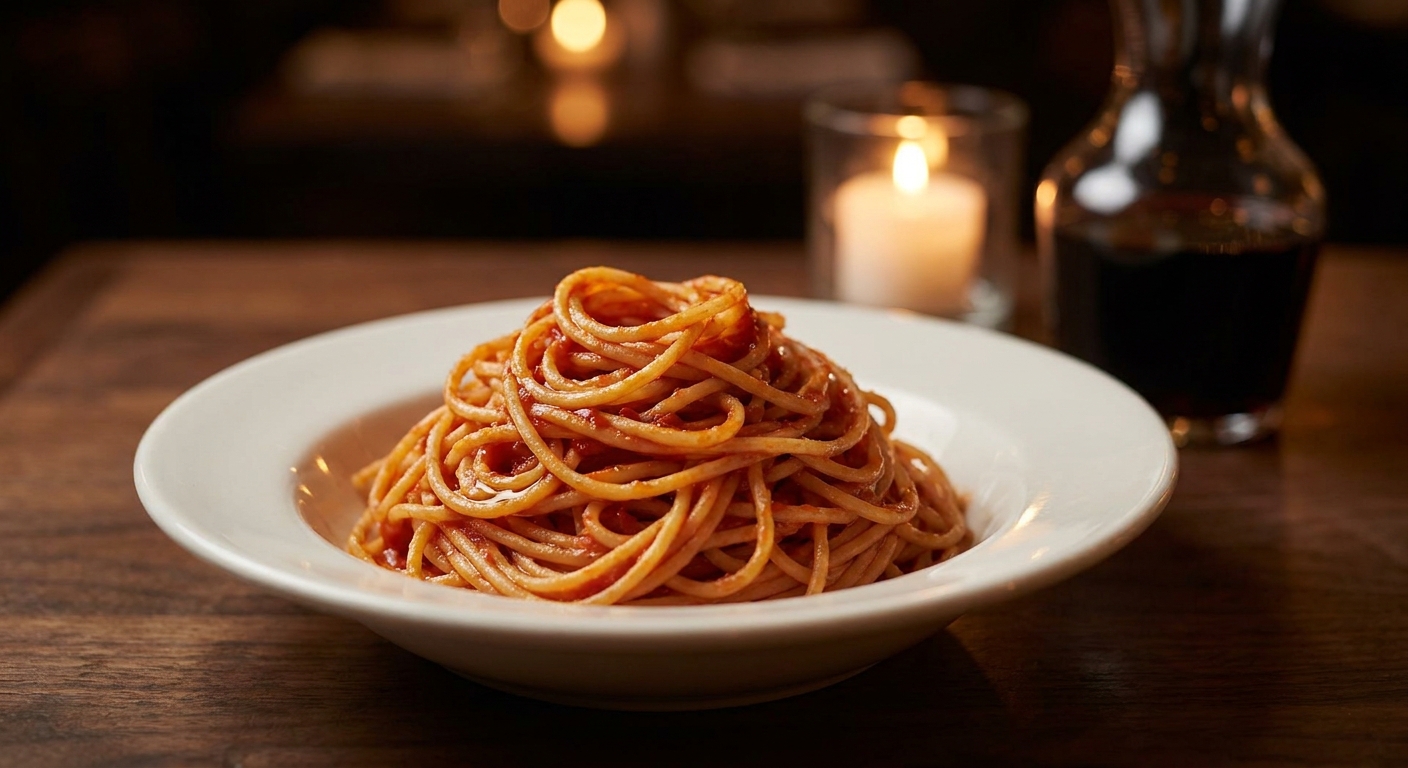
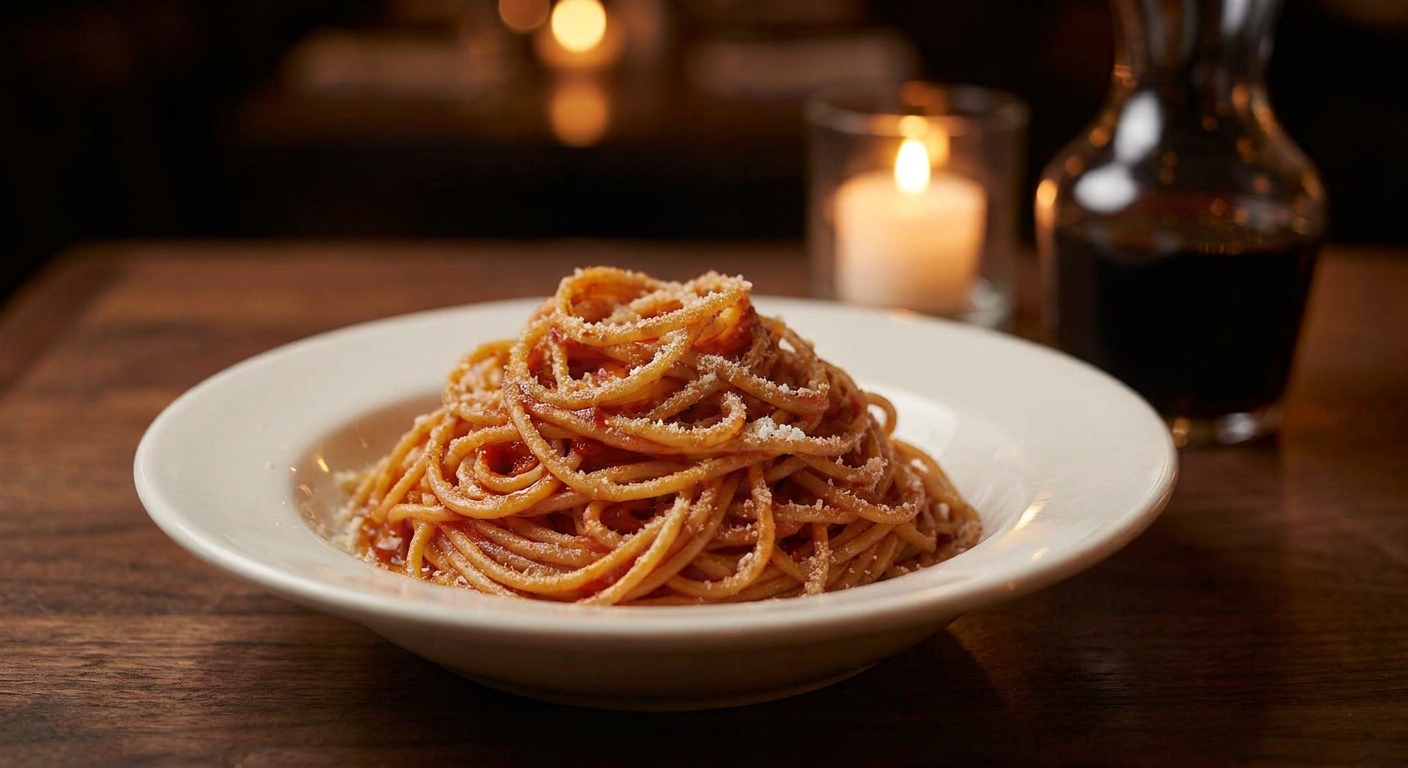
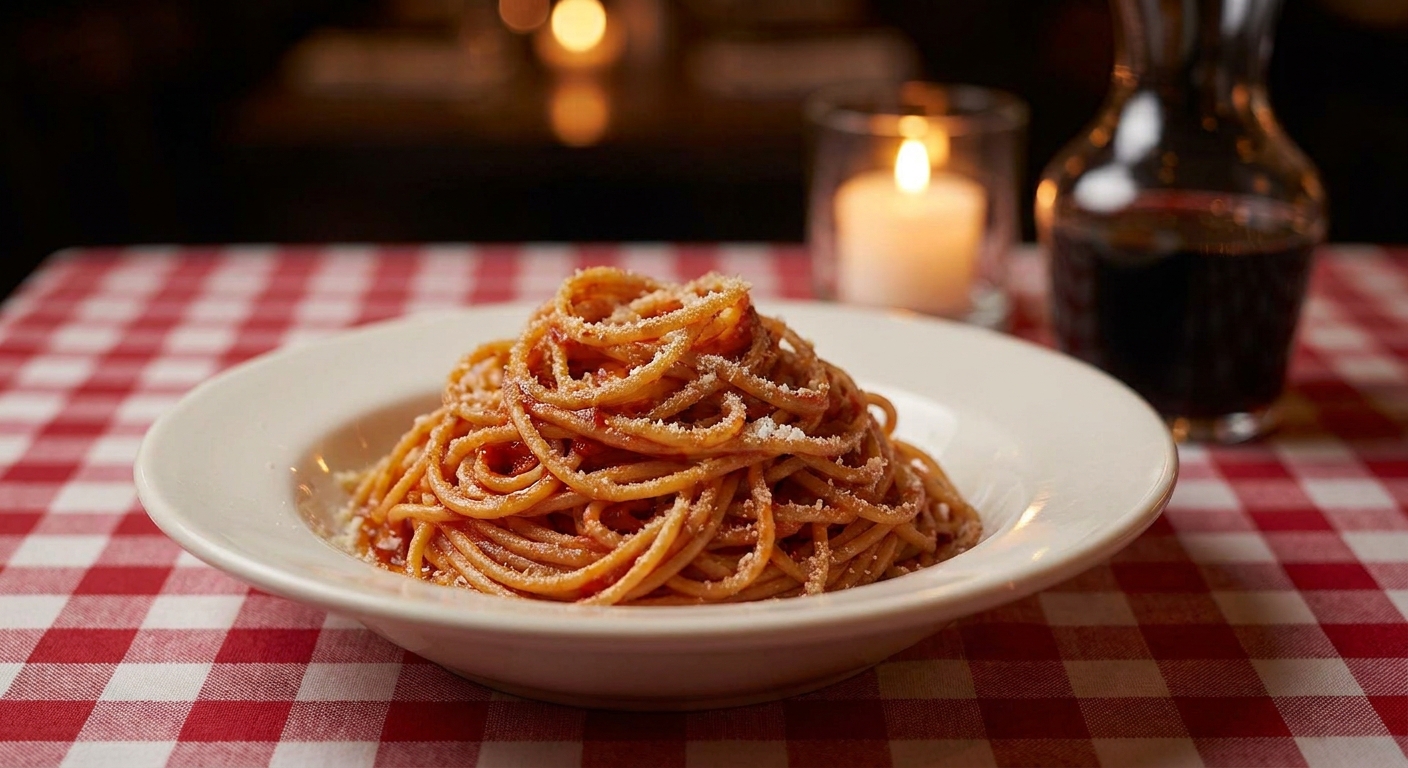
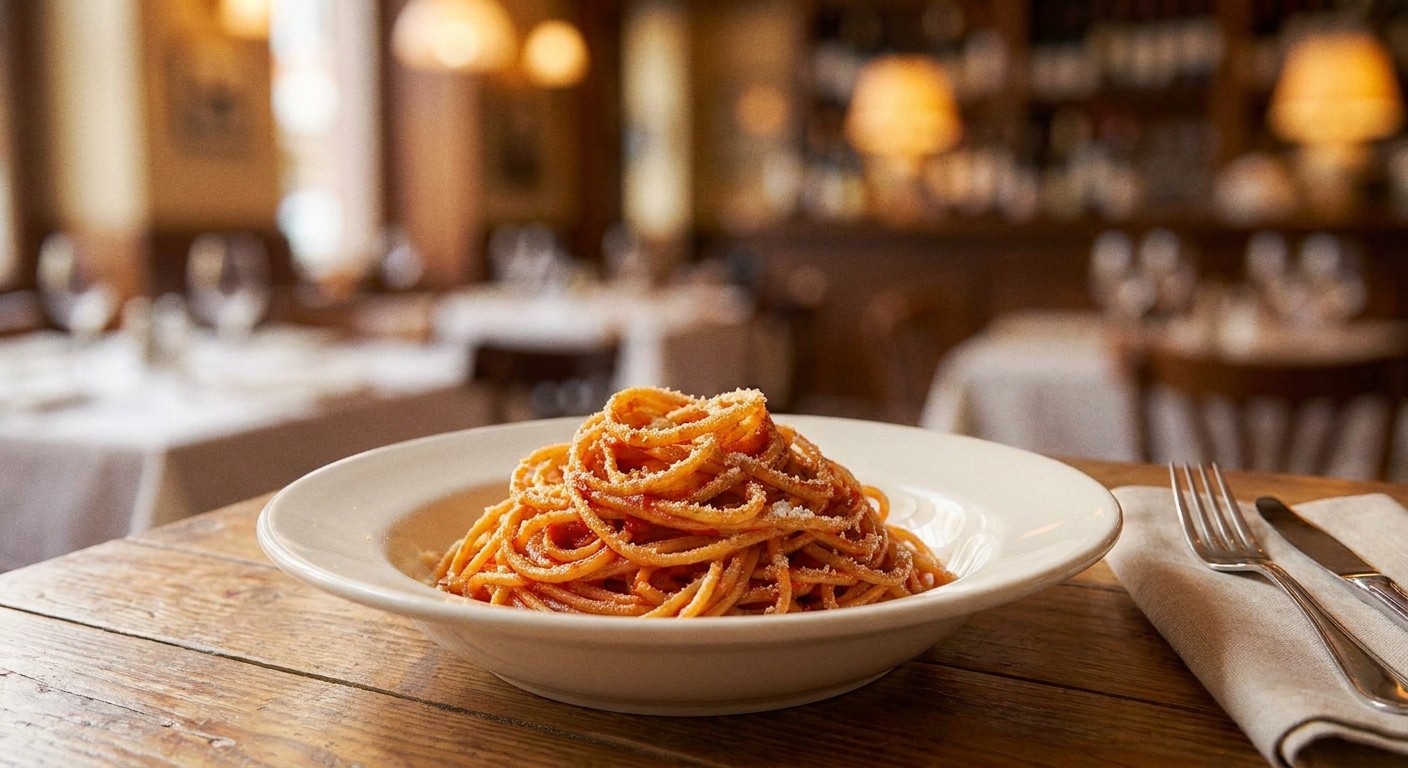
One plate of spaghetti, four edits deep. Every version saved.
PUBLISH
Publish straight to a hosted web menu
Every edited photo can go on a free menu page with its own link and QR code.
Print the QR once. Update the photos forever.
Sample Bistro
demo menu
Bacon Cheeseburger
$12
Spaghetti
$14
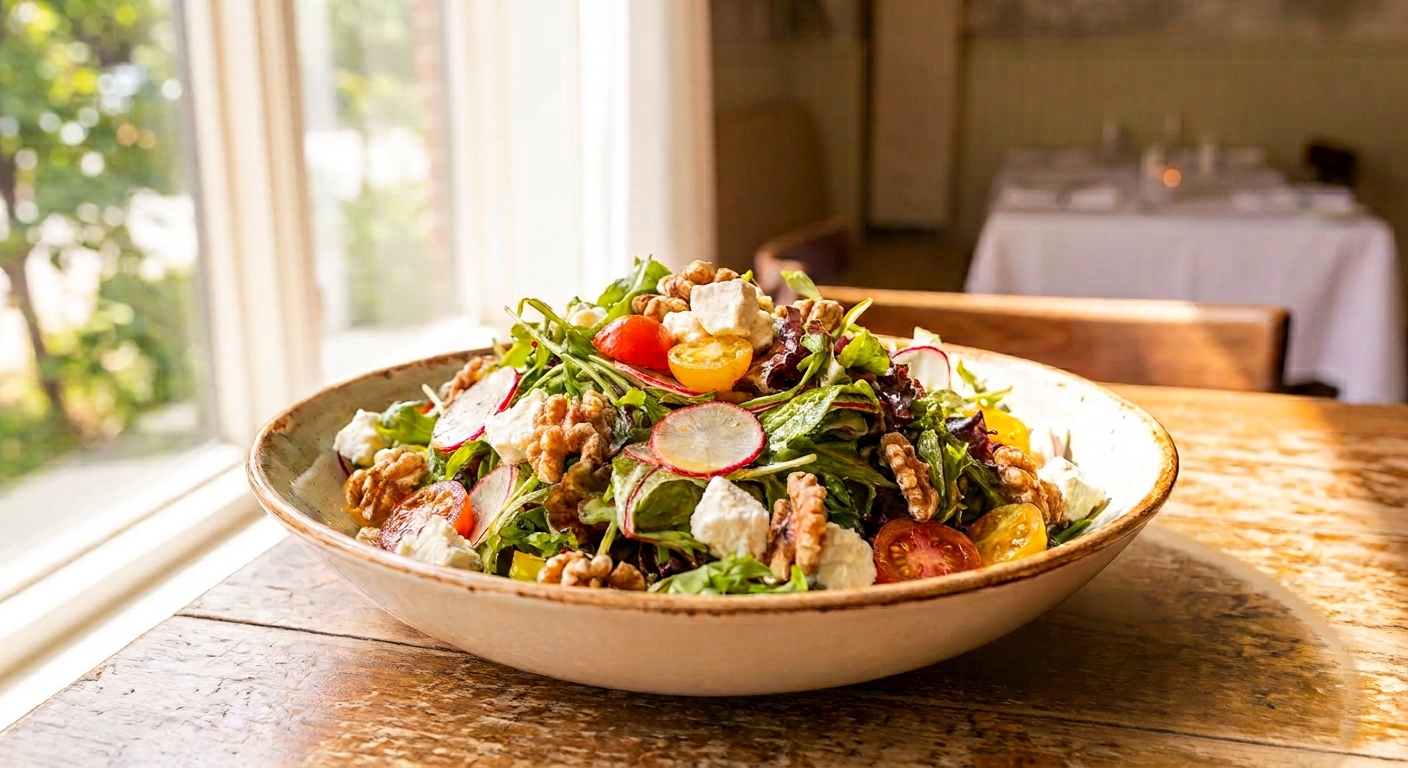
Garden Salad
$11
HOW IT WORKS
Upload your photo
Any dish photo works
Type what you want changed
Or run a preset and keep editing
Download or publish
Sized for menus, delivery, social, or your menu page
TRY IT FREE
Still skeptical? Good.
Test the free tools with a photo of your own dish, no account needed, and judge the result yourself. They run the same AI as the full editor, limited to preset options.
WHO IT'S FOR
Restaurant owners
Shoot on your phone, type the fix, update your menu the same day. No photographer, no studio, no reshoot.
Agencies & web designers
Edit every client's photos from one dashboard, or wire it into your workflow with the API.
See the APIEverything included
Frequently Asked Questions
You cooked it. The photo should do it justice
1,500 photo edits a month. Cancel anytime.
Upload your first photo