
Top social media content creation tools for your restaurant
Running a restaurant means you're the chef, manager, and marketer all at once. Creating social media content can feel like another full-time job, especially when you need photos that make your food look as good as it tastes. We know the feeling. You pour your heart and soul into every dish, but getting photos that reflect that dedication is a constant challenge.
The problem is that traditional food photography is expensive and slow. Hiring a photographer can cost between $75-$150 per photo, and you might wait 2-7 days to get the final images back. That’s a significant investment of time and money that most independent restaurant owners don't have.
This guide cuts through the noise. We've compiled a list of practical social media content creation tools that you can actually use to get professional results without needing a design degree or a huge budget. This isn't just a list of apps; it's a resource designed to solve the specific problems you face every day, from making your smartphone photos look great to designing a quick "daily special" graphic. We'll cover tools for photo editing, video creation, and design so you can find what works for you, save time, and get back to running your business.
1. MenuCapture
Most AI photo tools generate random food images from text. MenuCapture is different: it edits your actual food photos. For restaurant owners who need professional-grade menu photos without the high cost of traditional photography, this is a purpose-built tool. It lets you take a simple smartphone picture and turn it into a mouth-watering visual for social media or your website.
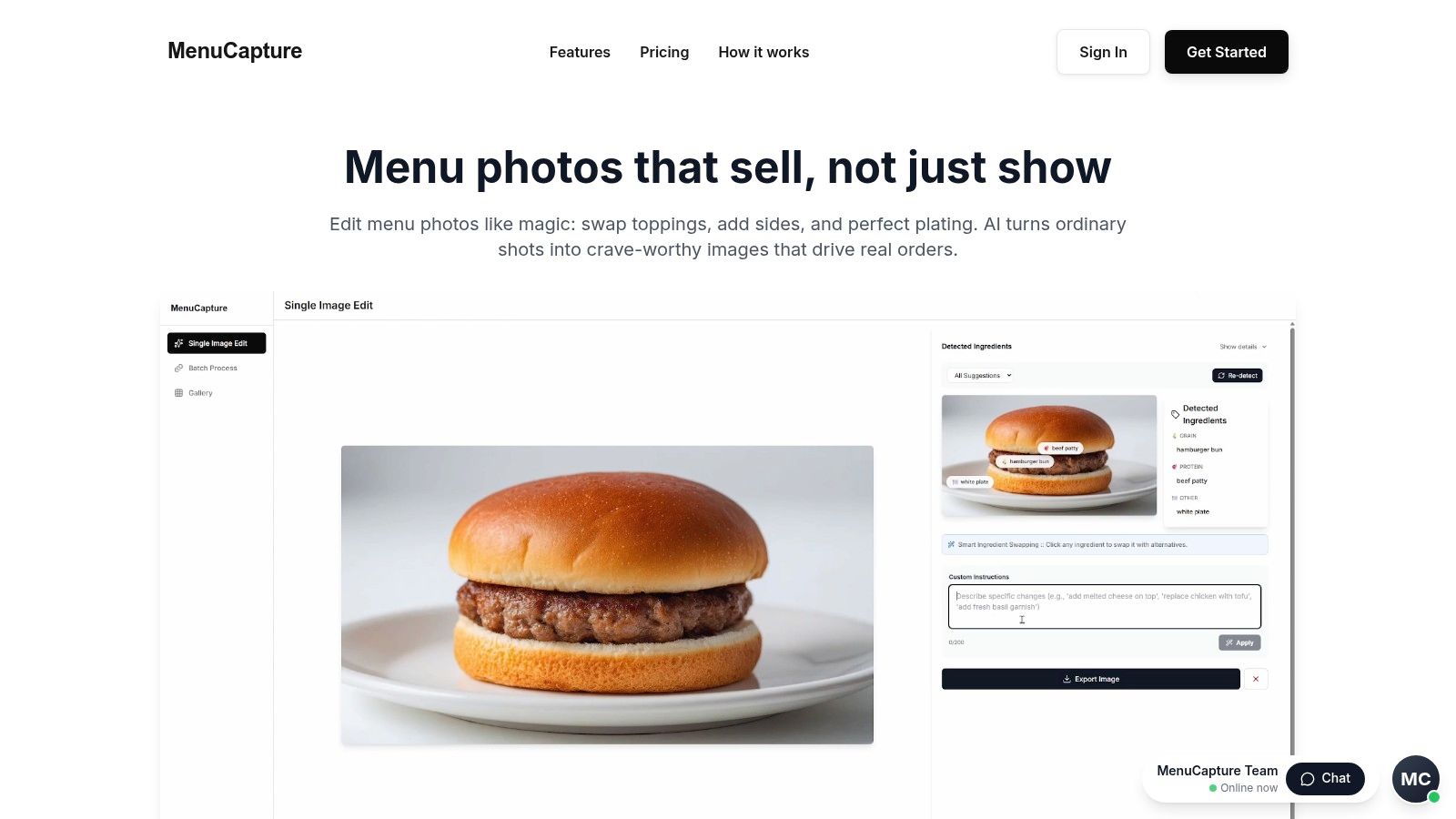
Here's how it works. You upload your photo and type instructions like you're talking to a photo editor. For example, you can type "add melted cheese on top," "make sauce more glossy," or "change lighting to warmer." The AI analyzes the lighting, color, and composition and applies the edits in about 10-30 seconds. A key feature is that you can edit your edited images. If the first result isn't quite right, you can keep giving it instructions. All versions are saved with thumbnails in your history, so you can always go back. It also includes an organized gallery and can process up to 10 photos at once, making it one of the most practical social media content creation tools for a busy restaurant.
Key Details & Pricing
- Best For: Independent restaurants and cafes that need fast, affordable, and authentic menu photos.
- Pros: Edits your actual food photos to maintain authenticity; fast 10-30 second processing; costs as little as $0.09 per photo; continuous editing with full version history; batch processing for up to 10 images.
- Cons: The final result depends on the quality of your initial smartphone photo. Research shows food photos influence nearly two out of three people in their dining decisions, so starting with a clear picture is important.
- Pricing: A Weekly plan is available at $9/week, and an Annual plan is $159/year.
Website: https://www.menucapture.com
2. Canva
Canva is an all-in-one design platform that simplifies creating social media graphics, videos, and marketing materials. For a restaurant owner without a design background, it’s a huge help. You can take a photo of a new special and, in minutes, have a professional-looking Instagram Story, a Facebook post, and a printable flyer ready to go using its drag-and-drop tools.
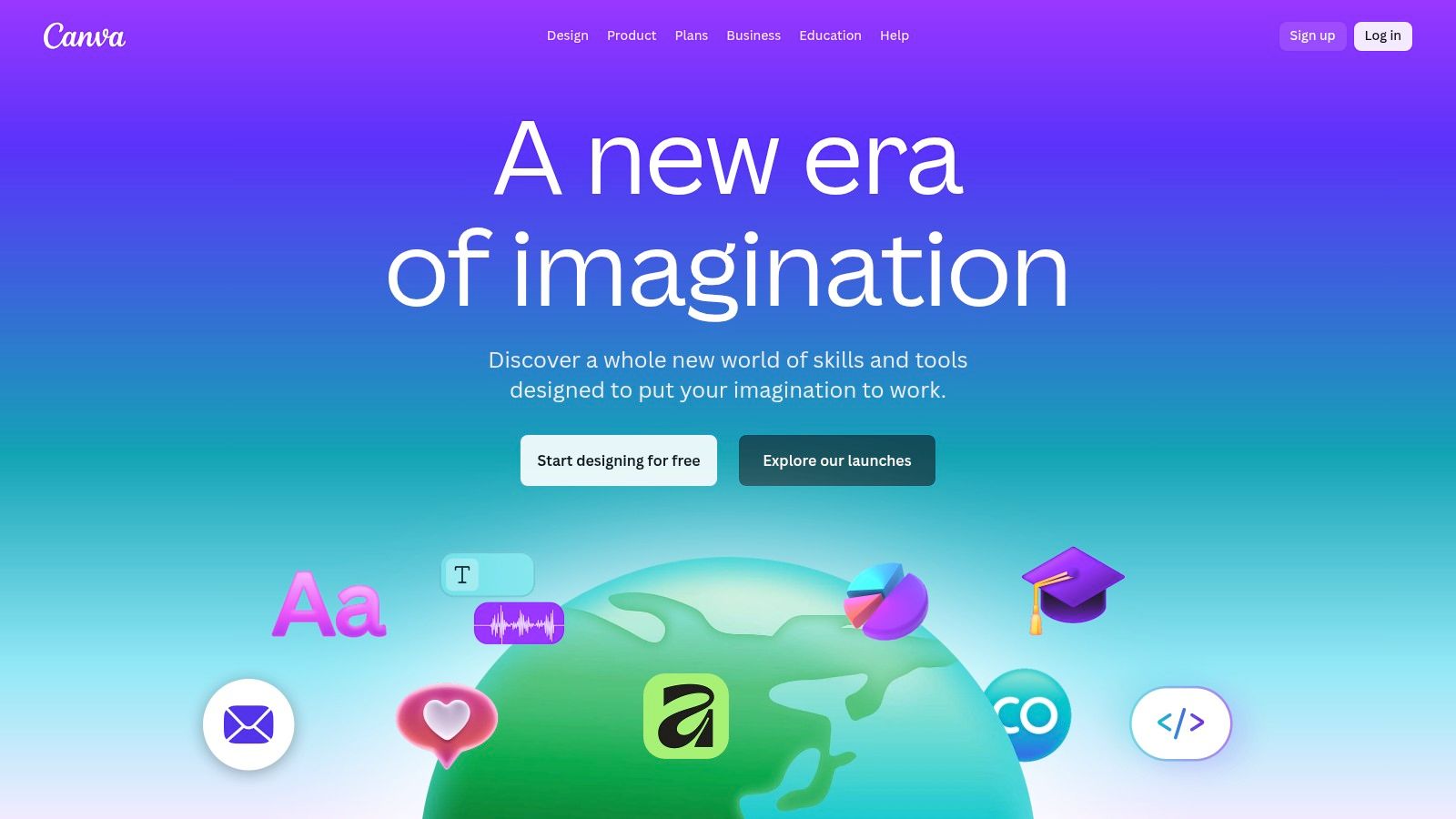
Its massive library of templates is its biggest strength. Need a "Taco Tuesday" graphic? There are hundreds. This makes Canva one of the fastest social media content creation tools for daily use. The platform also includes Brand Kits, allowing you to save your restaurant's logo, fonts, and color palette to ensure every design looks consistent. The integrated AI tools, like Magic Studio, can remove backgrounds from your food photos or even generate new backgrounds. For example, you can use Canva’s AI tools to quickly create different backgrounds for your menu items, a process you can learn more about with this guide to creating new backgrounds for food photos.
Key Details & Pricing
- Best For: Teams and individuals needing to create a high volume of branded graphics and simple videos quickly without a steep learning curve.
- Pros: Very user-friendly, vast template library, strong brand management features, and accessible on both web and mobile.
- Cons: Advanced video editing is limited, and many high-quality assets and AI features require a paid subscription. Team pricing structures have also been updated recently.
- Pricing: Offers a robust free plan. Paid plans like Canva Pro start at around $119.99/year per person, with team plans available at different price points.
- Website: https://www.canva.com
3. Adobe Express
Adobe Express is the company’s answer to streamlined, template-based design, making powerful Adobe features accessible to everyone. For a restaurant owner, it acts as a faster, more focused alternative to complex programs like Photoshop. You can quickly produce professional social media graphics, flyers, and short videos using its template library and intuitive interface, all while leveraging Adobe’s high-quality stock photo and font collection.
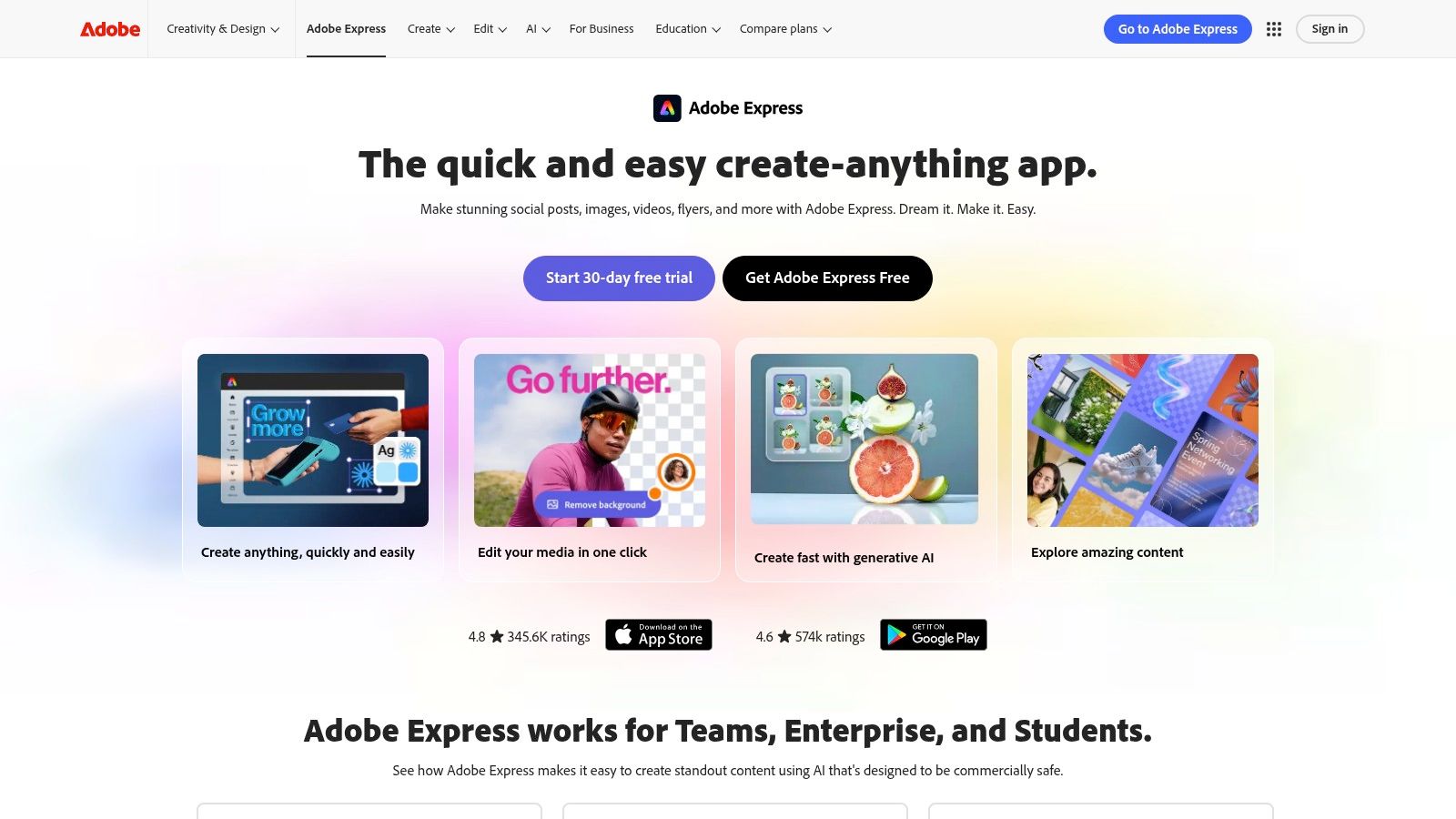
What makes Adobe Express a strong contender in the social media content creation tools space is its deep integration with the Adobe Creative Cloud. If your team already uses other Adobe products, you can easily share brand assets like logos, colors, and fonts between Express and more advanced apps. Its AI features, powered by Adobe Firefly, allow for quick actions like removing backgrounds from your food photos or generating new text effects. The platform also includes a basic video editor and scheduler, allowing you to create and publish content directly to your social channels from one place.
Key Details & Pricing
- Best For: Individuals and businesses already invested in the Adobe ecosystem or those needing high-quality stock assets and reliable AI features for social content.
- Pros: Excellent integration with Adobe Creative Cloud and Adobe Stock, a solid library of templates and design assets, and familiar Adobe workflows.
- Cons: Many of the best features, AI credits, and stock assets are locked behind a paid subscription. The pricing UI can also be confusing depending on the billing cycle.
- Pricing: A capable free plan is available. The Premium plan starts at $9.99/month, providing access to more assets, AI credits, and features.
- Website: https://www.adobe.com/express
4. Descript
Descript is a unique audio and video editor that operates more like a word document than a traditional timeline-based tool. For restaurant owners who want to create talking-head videos or behind-the-scenes content, Descript streamlines the process by transcribing your media and letting you edit the video by simply editing the text. You can record a quick interview with your chef, and instead of complicated trimming, you just delete the transcribed words or phrases you don't want.
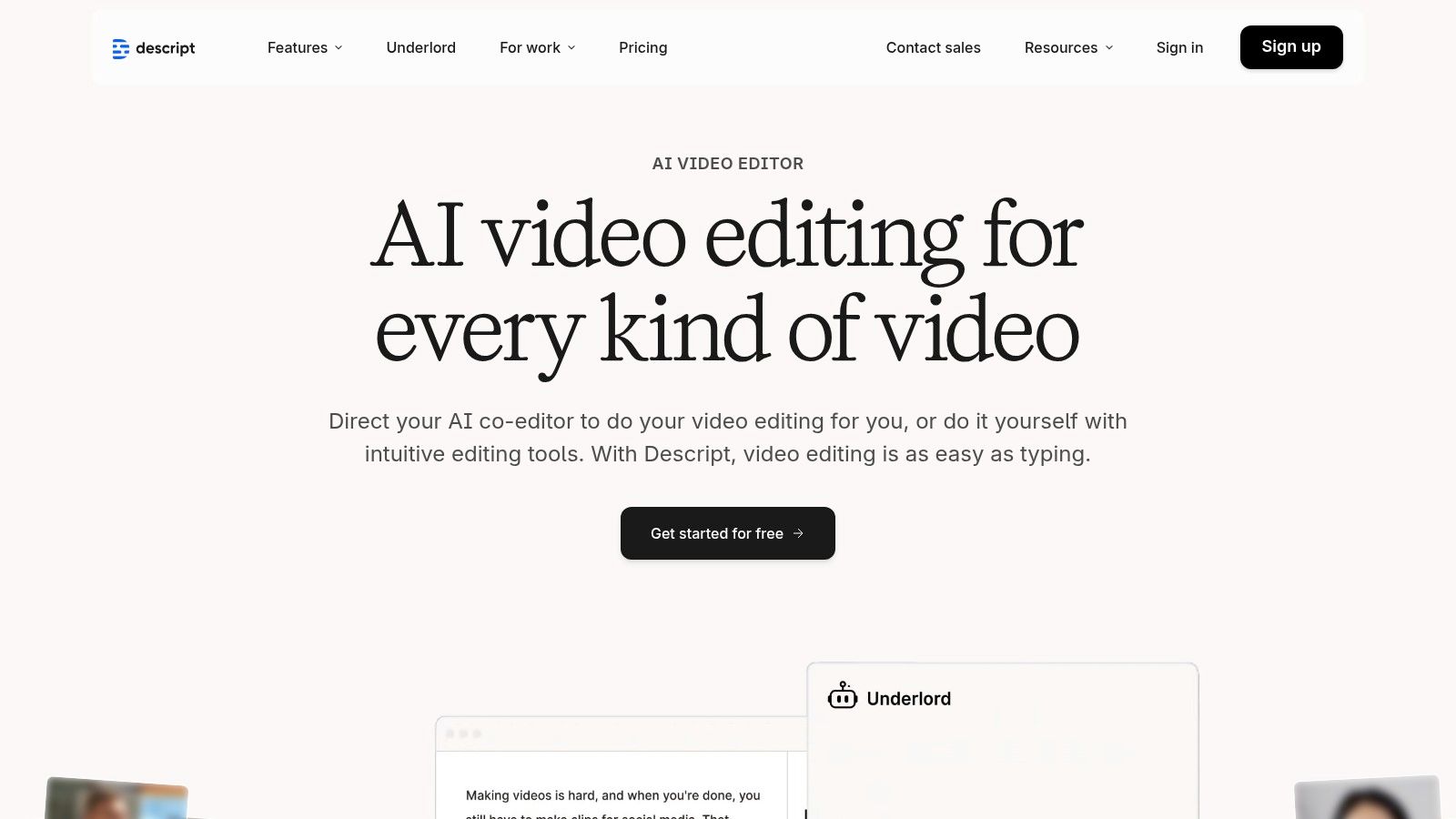
Its features are built for speed and simplicity. The platform automatically generates captions, which are crucial for social media where many users watch with the sound off. The "Studio Sound" feature can clean up audio recorded in a noisy kitchen with a single click, and its filler-word removal tool instantly gets rid of all the "ums" and "ahs." This makes it one of the most efficient social media content creation tools for turning longer video or audio into multiple short, polished clips for platforms like Instagram Reels or TikTok.
Key Details & Pricing
- Best For: Restaurant owners and marketers creating interview-style videos, podcasts, or repurposing long-form content into short social clips without prior video editing experience.
- Pros: Very fast workflow for talking-head content, excellent automatic captions and transcription, and a very low learning curve for rapid editing.
- Cons: Relies on a credit system for AI features and transcription hours which can be confusing, and is less suited for highly visual, non-dialogue-driven video editing.
- Pricing: A free plan is available with limited features. Paid plans start at around $12/month per user (billed annually), with more features and higher usage limits on Creator and Pro plans.
- Website: https://www.descript.com
5. Blackmagic Design – DaVinci Resolve
For restaurant owners ready to produce higher-quality video content, DaVinci Resolve is the industry-standard tool that offers a surprisingly accessible entry point. While it might look complex, it combines professional editing, color correction, visual effects, and audio post-production into a single application. This means you can take a video of your chef preparing a signature dish, correct the colors to make the ingredients pop, add text overlays for social media, and mix the audio for perfect clarity, all without switching programs.
Its biggest advantage is its powerful free version, which provides more than enough features for creating social media content. Features like Smart Reframe automatically adjust your horizontal video for vertical formats, saving a massive amount of time. While it has a steeper learning curve than template-based apps, its capabilities are unmatched for those looking to elevate their video marketing. The quality of your video can significantly impact how customers perceive your food, a principle that also applies to still images; you can learn more about how to take professional food photos to complement your video efforts. DaVinci Resolve is one of the most powerful social media content creation tools available if you're willing to invest time in learning it.
Key Details & Pricing
- Best For: Restaurant owners or marketers who want to produce high-quality, polished video content and are willing to learn a professional-grade tool.
- Pros: Powerful free version, industry-standard color grading and audio tools, all-in-one workflow, and excellent performance.
- Cons: Has a significant learning curve compared to simpler apps, and the full Studio version has a one-time cost. Pricing can vary between resellers.
- Pricing: Offers a comprehensive free version. The full DaVinci Resolve Studio is available for a one-time purchase of around $295.
- Website: https://www.blackmagicdesign.com/products/davinciresolve
6. VEED
VEED is a browser-based video editor that has become a go-to for creating social media content, especially short-form videos. For a restaurant owner, this means you can film a quick clip of a chef preparing a dish and turn it into a polished Instagram Reel or TikTok video in minutes, right from your computer without installing any software. Its auto-subtitle generator is fast and accurate, which makes your content accessible for viewers watching with the sound off.
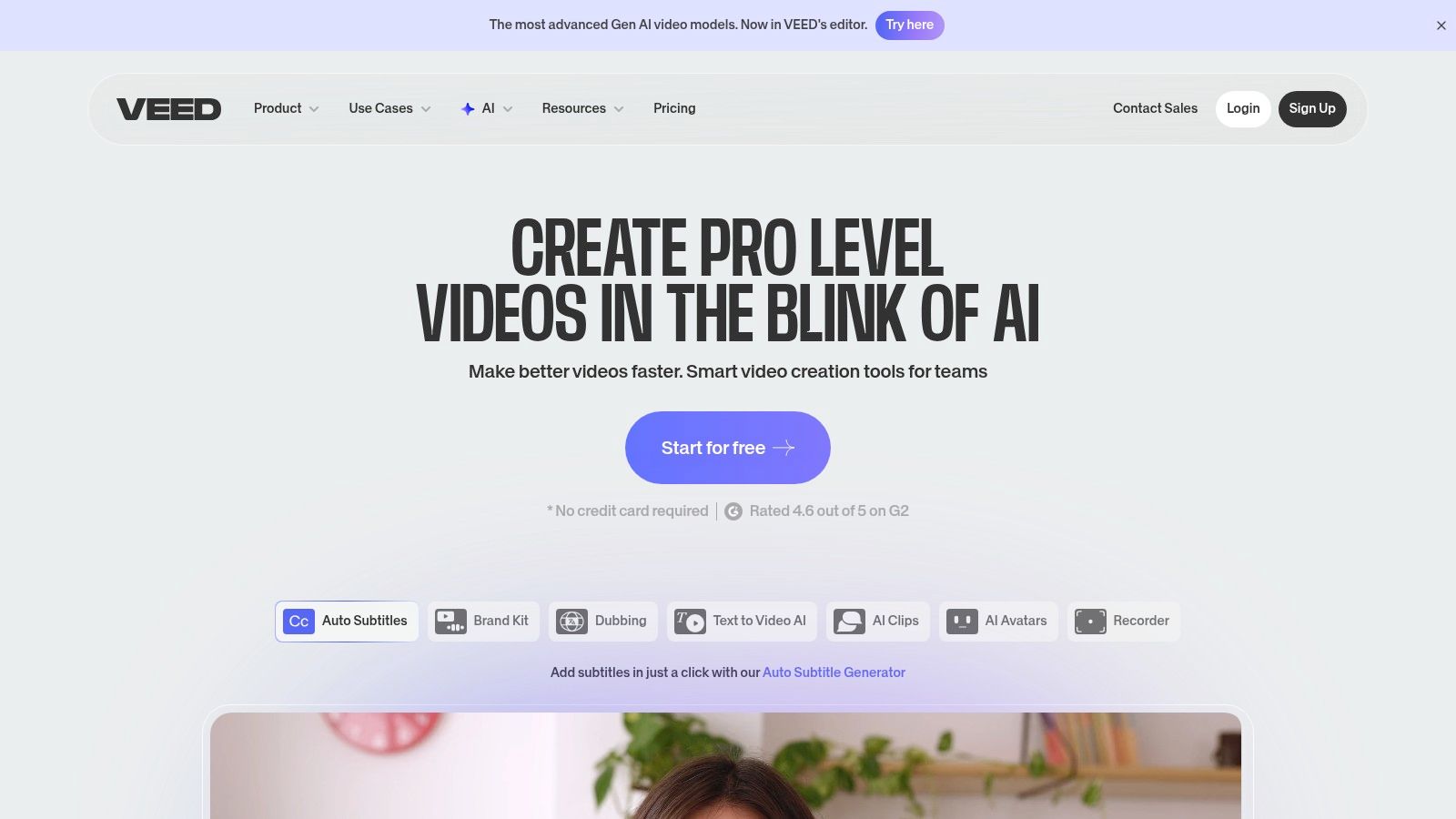
The platform is designed for speed. You can easily add your logo, brand colors, and music to templates optimized for vertical formats like Reels and Shorts. For instance, you could create a "Meet the Chef" video using its screen and webcam recorder or generate a quick promotional clip with its AI tools. This focus on easy-to-use, practical features makes it one of the most efficient social media content creation tools for video.
Key Details & Pricing
- Best For: Businesses and creators needing to quickly produce and subtitle short-form videos like Reels, TikToks, and Shorts without complex software.
- Pros: Excellent auto-subtitling and translation, fully browser-based (no installation required), and great for team collaboration with shared brand kits.
- Cons: Advanced AI features are limited to higher-tier plans, and some users have noted that the credit system for AI tools can be restrictive. It's best to try it out to see if the limits fit your workflow.
- Pricing: A free plan is available for short projects. Paid plans start at $25/month per user (billed monthly) for the Basic plan, with more features on Pro and Business tiers.
- Website: https://www.veed.io
7. InVideo AI
InVideo AI is a video creation tool that uses artificial intelligence to turn a simple text prompt into a social media video in minutes. For a restaurant that wants to announce a weekend special without hiring a videographer, this platform is very useful. You simply type a command like "Create a 30-second Instagram Reel about our new spicy chicken sandwich, highlighting its fresh ingredients and crispy texture," and the AI generates a script, finds relevant stock footage, adds a voiceover, and compiles it all into a draft video.
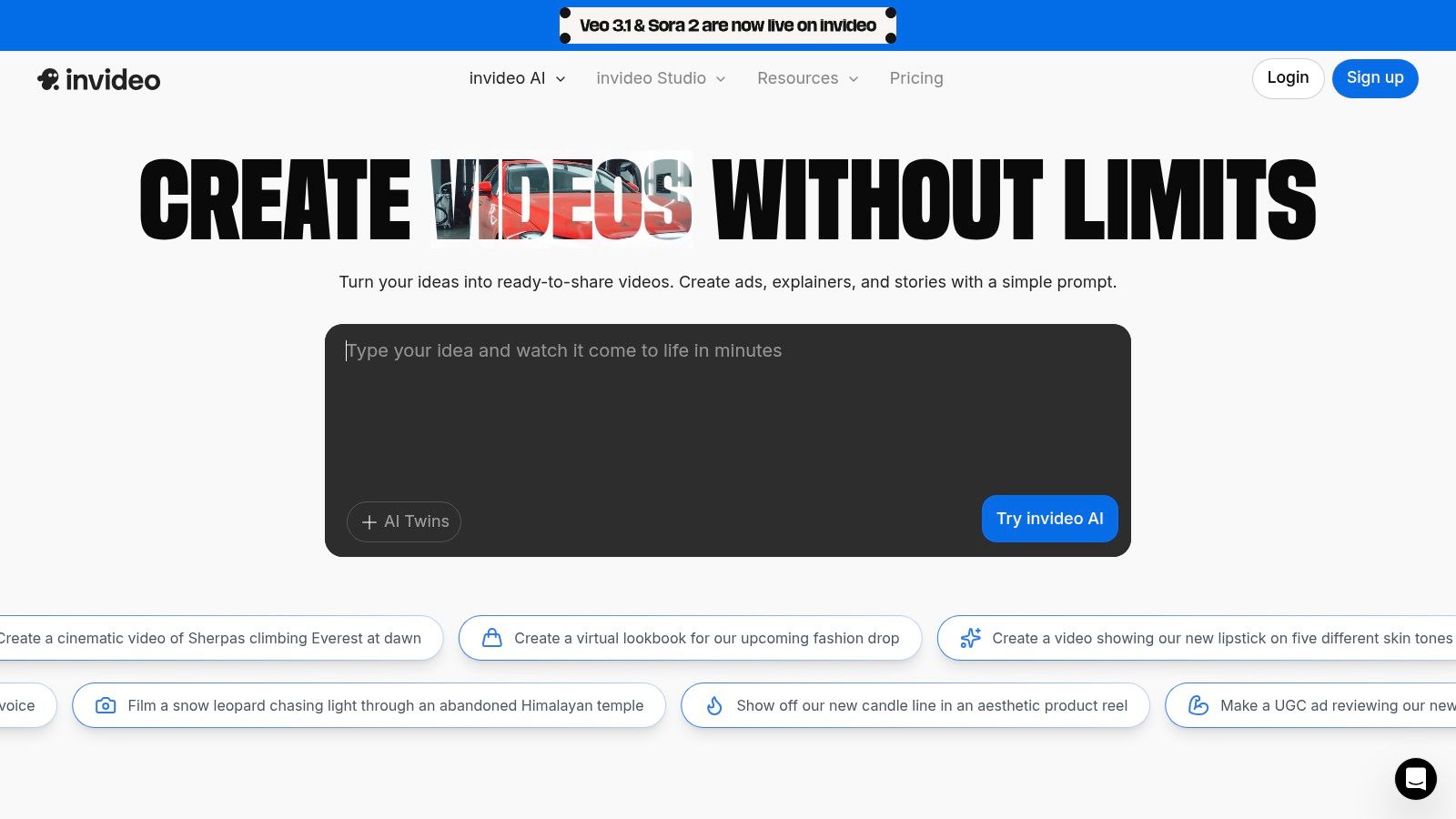
The platform’s main strength is its speed from concept to a shareable draft. It automates the tedious parts of video creation, like scriptwriting and sourcing media, so you can focus on refining the message. Its lightweight editor allows for quick adjustments to the script, media, and voiceover without needing complex video editing skills. This makes it one of the most efficient social media content creation tools for testing different promotional messages. Beyond AI-driven platforms like InVideo, other tools can streamline the creation of short-form content, such as ShortGenius, which focuses on repurposing existing content into engaging shorts. This approach is part of a broader trend where AI assists in content production, a topic you can explore further with this overview of how AI is changing food photography.
Key Details & Pricing
- Best For: Marketers and business owners who need to produce a high volume of short-form promotional videos and ad variations with minimal effort.
- Pros: Fast prompt-to-video workflow, great for testing different ad concepts and messages, and the lightweight editor makes quick changes simple.
- Cons: Free exports include a watermark, advanced AI features are behind a paywall, and the free usage quotas reset weekly.
- Pricing: A free plan is available with watermarked exports. Paid plans start at $20/month (billed annually), offering more AI generation credits and watermark-free exports.
- Website: https://invideo.io
8. Envato Elements
Think of Envato Elements as a massive digital warehouse for all the creative assets you could need. Instead of creating every graphic or finding a new background track for each video, you get unlimited access to a library of millions of items. For a restaurant, this means you can download professionally designed menu templates, food-themed video templates for Instagram Reels, high-quality stock photos of ingredients, and even background music for your promotional videos, all under one subscription.
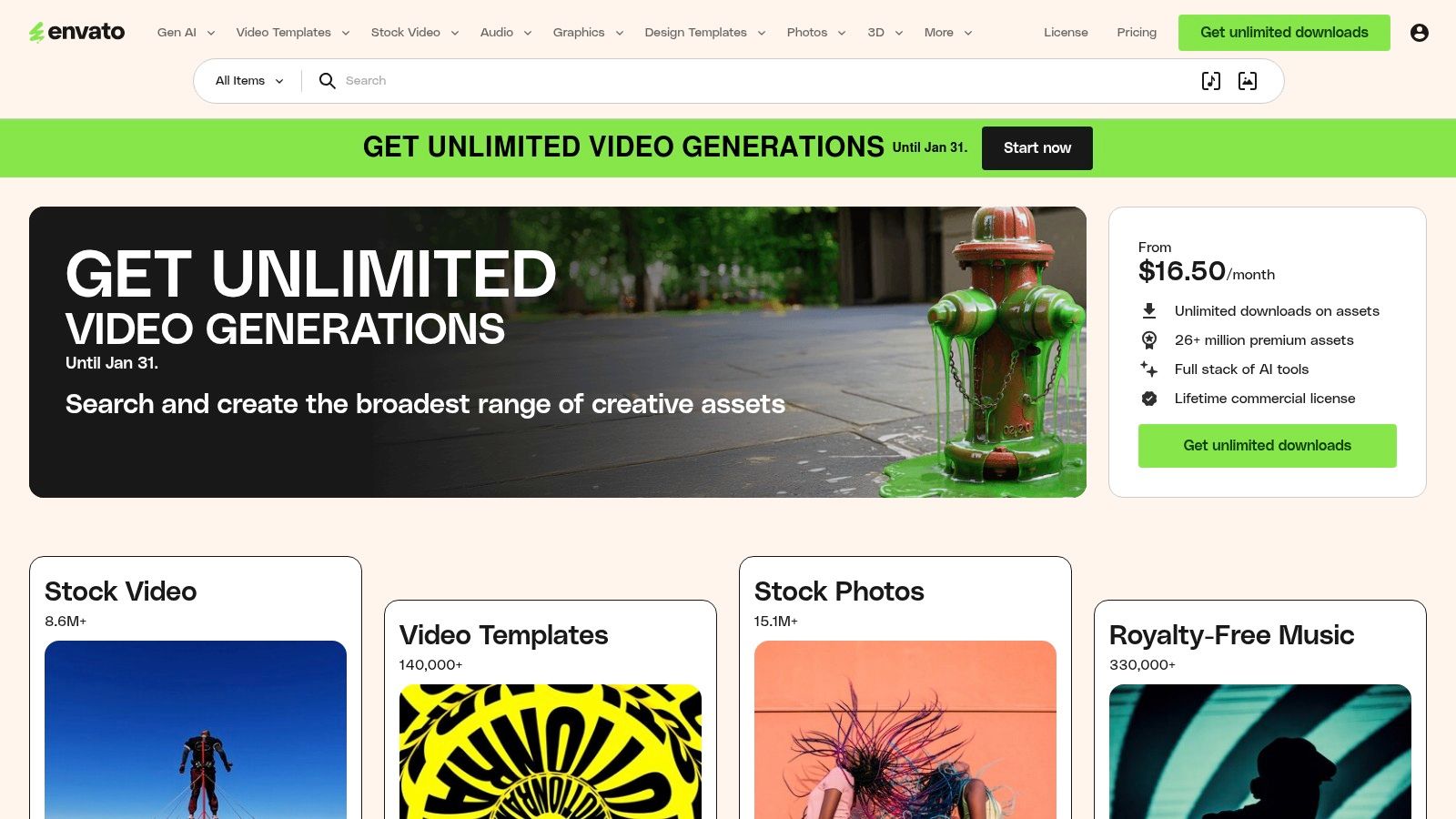
Its key advantage is the sheer volume and variety, which makes it one of the most cost-effective social media content creation tools for high-volume producers. The commercial license covers everything you download, taking the guesswork out of usage rights. You can find templates compatible with major software like Adobe Premiere Pro and Canva, allowing you to start with a professional foundation and customize it with your restaurant's branding. This saves a lot of time compared to building every asset from scratch.
Key Details & Pricing
- Best For: Content creators and marketers who need a constant supply of diverse creative assets like video templates, graphics, and music.
- Pros: Good value with unlimited downloads, a vast and varied library of assets, and a straightforward commercial license.
- Cons: The quality can vary across the millions of items, and finding the perfect asset can sometimes be time-consuming due to the library's size.
- Pricing: Individual plans are available from $16.50/month. Team and enterprise plans are also offered.
- Website: https://elements.envato.com
9. Epidemic Sound
Finding the right music for your social media videos can be a headache, especially with licensing and copyright strikes. Epidemic Sound solves this problem by offering a large library of royalty-free music and sound effects designed for content creators. For a restaurant creating Instagram Reels or TikToks of your kitchen in action, this means you can add a professional soundtrack without worrying about your video getting taken down.
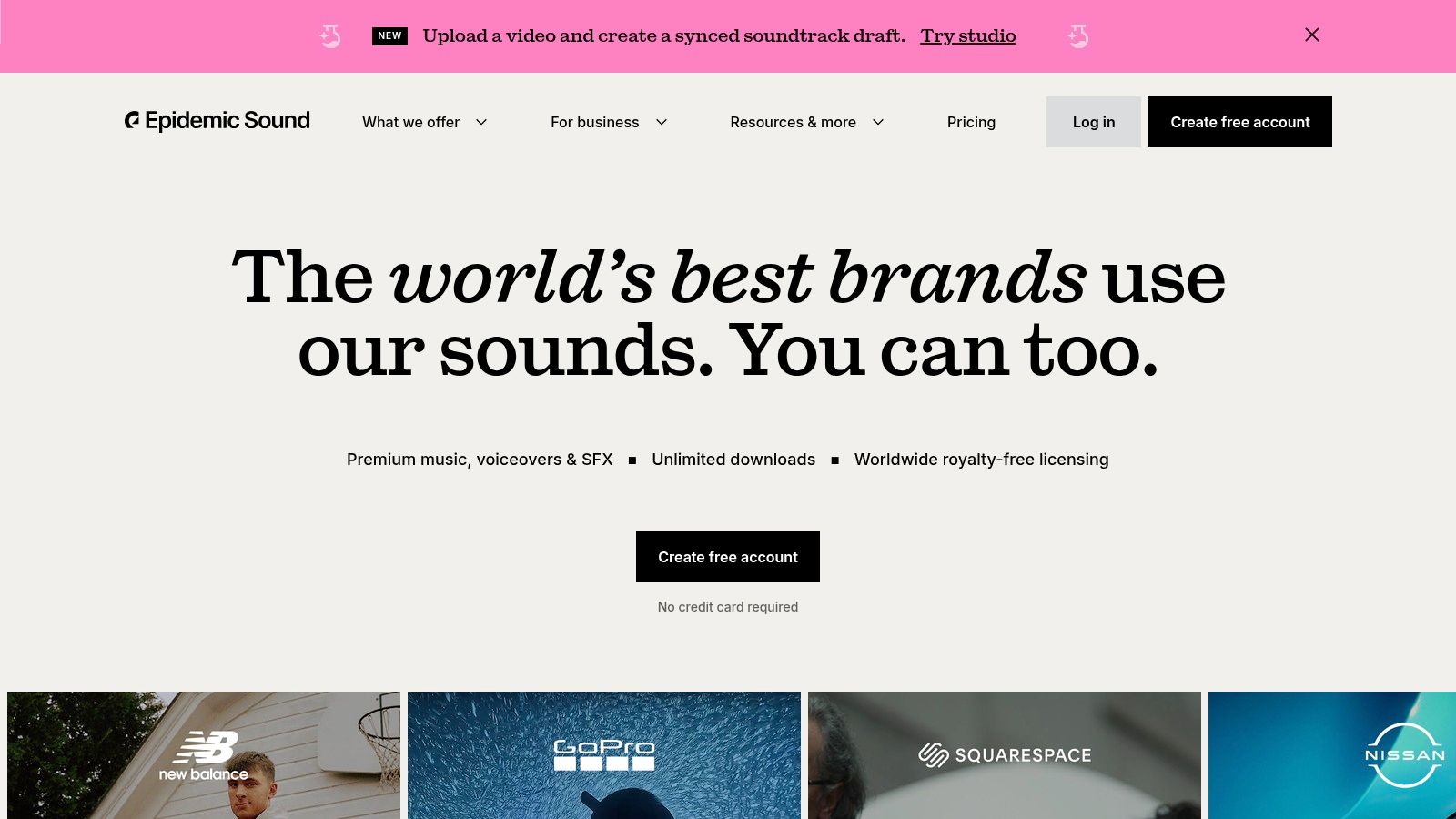
The platform’s strength is its licensing. Once you link your social media channels, any video published during your subscription is cleared forever, even if you cancel later. This makes it one of the most reliable social media content creation tools for video. The library is extensive, with over 50,000 tracks and 200,000 sound effects that are easily searchable by mood, genre, or tempo. Imagine finding the perfect sizzling sound for a close-up of a steak or an upbeat track for a time-lapse of your dining room filling up. The platform also offers features like individual track stems (vocals, drums, etc.) and an AI voiceover tool for Pro users.
Key Details & Pricing
- Best For: Video creators, social media managers, and businesses needing a reliable source of high-quality music and sound effects for their social content.
- Pros: Worry-free licensing across major platforms, a large and diverse music and SFX catalog, and a user-friendly interface for finding the right audio.
- Cons: Some advanced features like client licensing and the AI voiceover tool are only available on the more expensive Pro plan.
- Pricing: A 30-day trial period is available. The Personal plan starts at around $10.99/month, while the Commercial plan for businesses is around $24.99/month when billed annually.
- Website: https://www.epidemicsound.com
10. Apple App Store (Photo & Video Apps)
Think of the Apple App Store not as a single tool, but as a curated marketplace packed with specialized social media content creation tools for your iPhone or iPad. For a restaurant owner, this is where you find specific apps that solve immediate content needs on the go. Whether you need a powerful video editor like InShot, a captioning tool for Reels, or a teleprompter app for shooting a quick announcement, the App Store is your first stop.
This platform's value comes from its variety and the trust of Apple's ecosystem. Instead of searching the web and risking insecure downloads, you can browse collections curated by editors and read user reviews before installing. For example, a restaurant manager could search for "food video editor," find several well-reviewed options like Splice or VN Video Editor, and have a new tool for creating daily specials videos installed and ready to use in under a minute, directly on the phone used to capture the footage.
Key Details & Pricing
- Best For: Restaurant owners and managers who create content primarily on their iPhone or iPad and need a secure way to discover and install specialized mobile editing tools.
- Pros: A safe marketplace for iOS apps, a massive selection of mobile-first creative tools, and user ratings to help guide your choices.
- Cons: The cost of multiple app subscriptions can add up quickly, and many apps use a "freemium" model where key features require in-app purchases.
- Pricing: Varies widely. Many apps offer free versions with limitations, with paid subscriptions typically ranging from $5 to $15 per month per app.
- Website: https://apps.apple.com/us/genre/ios-photo-video/id6008
11. Amazon (US)
While not a software tool, Amazon is an essential marketplace for any restaurant looking to upgrade its social media content creation hardware. It’s the go-to source for cameras, lighting kits, microphones, tripods, and all the physical gear you need to produce higher-quality photos and videos in-house. For a restaurant owner, this means you can build a small, effective content studio without having to source equipment from multiple specialty stores.
The biggest advantage is the vast selection and competitive pricing, especially on "creator bundles" that package a ring light, tripod, and microphone together. With Prime shipping, you can have a new setup delivered in a day or two, ready for your next menu photoshoot. The user reviews and Q&A sections are also invaluable for vetting products before you buy. For instance, you can search reviews for terms like "food photography" to see how a specific lighting kit performs for other restaurant owners, making it one of the most practical places to acquire social media content creation tools.
Key Details & Pricing
- Best For: Restaurant owners and marketers looking to buy or upgrade their physical content creation hardware, from beginner smartphone accessories to professional camera gear.
- Pros: Massive one-stop-shop selection, competitive pricing with frequent sales, fast Prime shipping for quick setup, and extensive user reviews for informed purchasing.
- Cons: Quality can vary greatly between third-party sellers, so it's important to check ratings. Some "bundle deals" may not offer significant savings over buying items separately.
- Pricing: Varies widely by product. Smartphone accessory kits can start as low as $25, while professional-grade camera and lighting setups can cost thousands.
- Website: https://www.amazon.com
12. B&H Photo Video (US)
While most social media content creation tools are software-based, the quality of your original photos and videos is the foundation of everything. For restaurant owners ready to invest in better in-house hardware, B&H Photo Video is a specialist retailer for creator gear. Instead of sifting through thousands of questionable listings on a general marketplace, B&H provides expert product pages and knowledgeable support, making it easier to buy the right camera, lighting kit, or microphone.
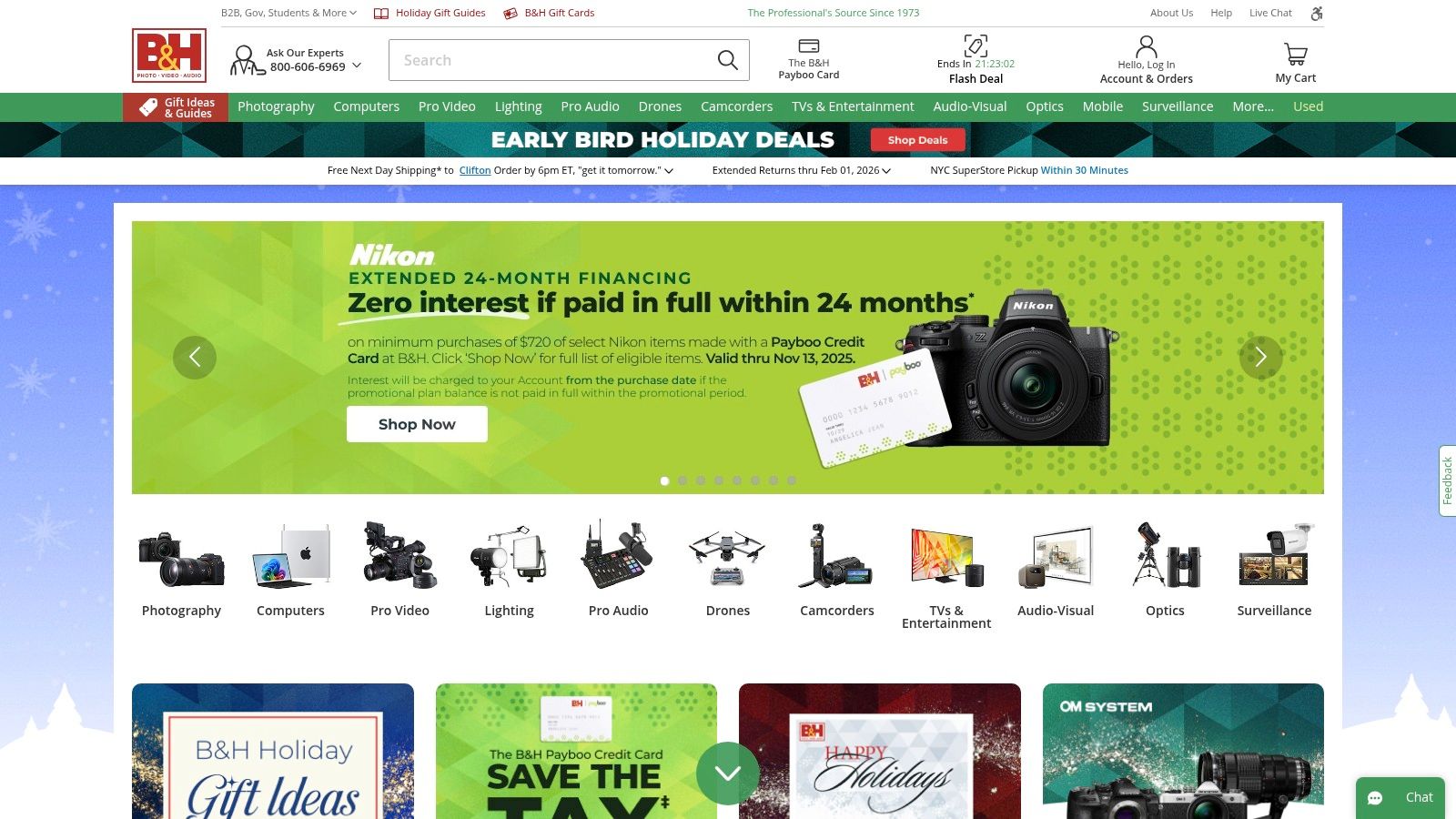
This retailer stands out for its curated gear kits for vlogging and content creation, which bundle essential items like tripods and lighting. This saves you the headache of figuring out compatibility on your own. For a restaurant, this could mean purchasing a reliable camera for behind-the-scenes Reels or a dedicated lighting kit to get consistently bright photos of your dishes, even when taken on a smartphone. Their reliable stock status, fast delivery, and expert pre-sales support provide a level of trust that’s hard to find elsewhere.
Key Details & Pricing
- Best For: Restaurant owners and marketers looking to upgrade from smartphone-only creation to dedicated, high-quality photo and video hardware.
- Pros: Trusted pro retailer with strong pre- and post-sales support, curated selection of professional and prosumer gear, and competitive pricing with frequent deals.
- Cons: Fewer low-cost or budget bundles compared to marketplaces, and some specialized items may be special-order or have limited stock.
- Pricing: Prices vary by product. B&H offers a wide range from entry-level gear to professional equipment and provides financing options.
- Website: https://www.bhphotovideo.com
12-Tool Social Media Content Creation Comparison
| Product | Core focus | Key features | Target audience | Price / Value |
|---|---|---|---|---|
| MenuCapture | AI menu photo editor for real food photos (~30s edits) | Text-prompt edits, batch (up to 10), grid-area edits, version history, auto-format for delivery platforms | Independent restaurants, small chains, cafes, bakeries | $0.24/photo; $9/week or $159/year — 1,500/mo edits, same-day updates |
| Canva | All-in-one design + light video editor | 250k+ templates, Magic Studio AI, stock library, brand kits, collaboration | Non-designers, social teams, small businesses | Free tier; Pro paid plans for premium assets & teams |
| Adobe Express | Template-driven social design & quick video | Templates, Adobe Stock integration, quick-actions (remove bg, resize), scheduler | Social marketers, Creative Cloud users | Free/basic; paid for full stock & premium features |
| Descript | Transcript-first audio & video editor | Edit-by-transcript, auto-captions, filler removal, rapid clip exports | Podcasters, talking-head creators, repurposers | Tiered plans; AI minutes/credits vary by plan |
| Blackmagic DaVinci Resolve | Professional edit/color/audio suite | Advanced color grading, Fairlight audio, Fusion effects, free edition | Professional editors, studios, advanced creators | Free; one-time Studio license for extra features |
| VEED | Browser-based social video editor | Auto-subtitles/translations, templates, AI avatars, screen recorder | Social creators needing fast reels/subtitles | Free tier; paid for credits/AI features |
| InVideo AI | Prompt-to-video creator for social ads | Prompt/script-to-video, avatars, stock media, lightweight editor | Marketers, fast ad concept testing | Free exports watermark; paid for full features |
| Envato Elements | Unlimited creative asset subscription | 26M+ templates, stock, fonts, video assets; simple commercial license | Agencies, high-volume creators, editors | Subscription (unlimited downloads within license) |
| Epidemic Sound | Royalty-free music & SFX with clearance | Large track/SFX library, stems, creator/pro licensing options | Creators needing cleared music for monetization | Subscription plans; verify current pricing |
| Apple App Store (Photo & Video) | Mobile app marketplace for creators | Curated editor picks, reviews, secure purchases, app discovery | iPhone/iPad creators seeking mobile tools | App pricing & subscriptions vary by app |
| Amazon (US) | Marketplace for creator hardware & kits | Wide selection, Prime shipping, user reviews & bundles | Creators sourcing cameras, lights, accessories | Competitive pricing, frequent deals; varies by seller |
| B&H Photo Video (US) | Specialist pro retailer for gear | Curated pro gear, expert product pages, financing, support | Photographers, videographers, studio builders | Trusted pricing, pro support; fewer low-cost bundles |
Putting It All Together: A 10-Minute Workflow for Daily Specials
We’ve covered a lot of ground. The key isn't to use every single tool but to build a simple system that saves you time and delivers consistent results without the high costs of hiring outside help.
Let's go back to the core challenge: traditional photography costs $75-150 per photo and takes days. This process just doesn't work for promoting a daily special on the fly. This is where a modern, efficient workflow becomes essential. Let's see how you can save 99.9% on photo costs while getting results in seconds, not days.
Your New 10-Minute Content Machine
Imagine you just perfected a new pasta special for tonight. Instead of worrying about a complex photoshoot, you can have a high-quality social media post ready in less time than it takes to prep a station.
Here is a simple, four-step process:
- Capture the Dish (2 Minutes): Grab your smartphone. Find a spot with good natural light, like near a window, and take a few clear photos of the pasta. Don't stress about perfection; just focus on getting a sharp, well-lit shot of your actual food.
- Process with MenuCapture (3 Minutes): Open MenuCapture and upload your best photo. This is where the process gets easy. Instead of fiddling with confusing sliders, you simply type what you want. You could try prompts like: "make the sauce glossier," "add fresh basil garnish on top," or "change the lighting to be warmer." The AI processes your image in about 10-30 seconds, editing your actual dish to look its best. If you don’t like the first result, you can edit the edited image again.
- Design the Post (4 Minutes): Download the processed image. Open Canva or Adobe Express and select a saved brand template for a "Daily Special." Drop your new photo into the template. Add the name of the dish, a short description, and the price. Your branding is already set, so everything looks consistent.
- Schedule and Post (1 Minute): Using a scheduler, upload your finished graphic. Write a quick caption and schedule it to post on Instagram and Facebook right before the dinner rush begins.
That’s it. In about 10 minutes, you’ve created a compelling piece of marketing content from scratch using a few practical social media content creation tools. This is a sustainable system you can use every single day to showcase your food with the quality it deserves.
Ready to build a faster content workflow? Start by transforming your existing food photos. With MenuCapture, you can use simple text prompts to edit your actual menu images in seconds, eliminating the high costs and long waits of traditional photography. Upload restaurant photos to see how AI processing can give you professional results today.
Ready to transform your menu photos?
Type what you want changed and AI processes your restaurant photos in seconds.
Start Processing Photos